INFO
This article was auto-translated using ChatGPT.
When using Python3 installed via brew, I constantly saw the annoying warning 👇🏻 below when installing libraries with pip3 🛑: 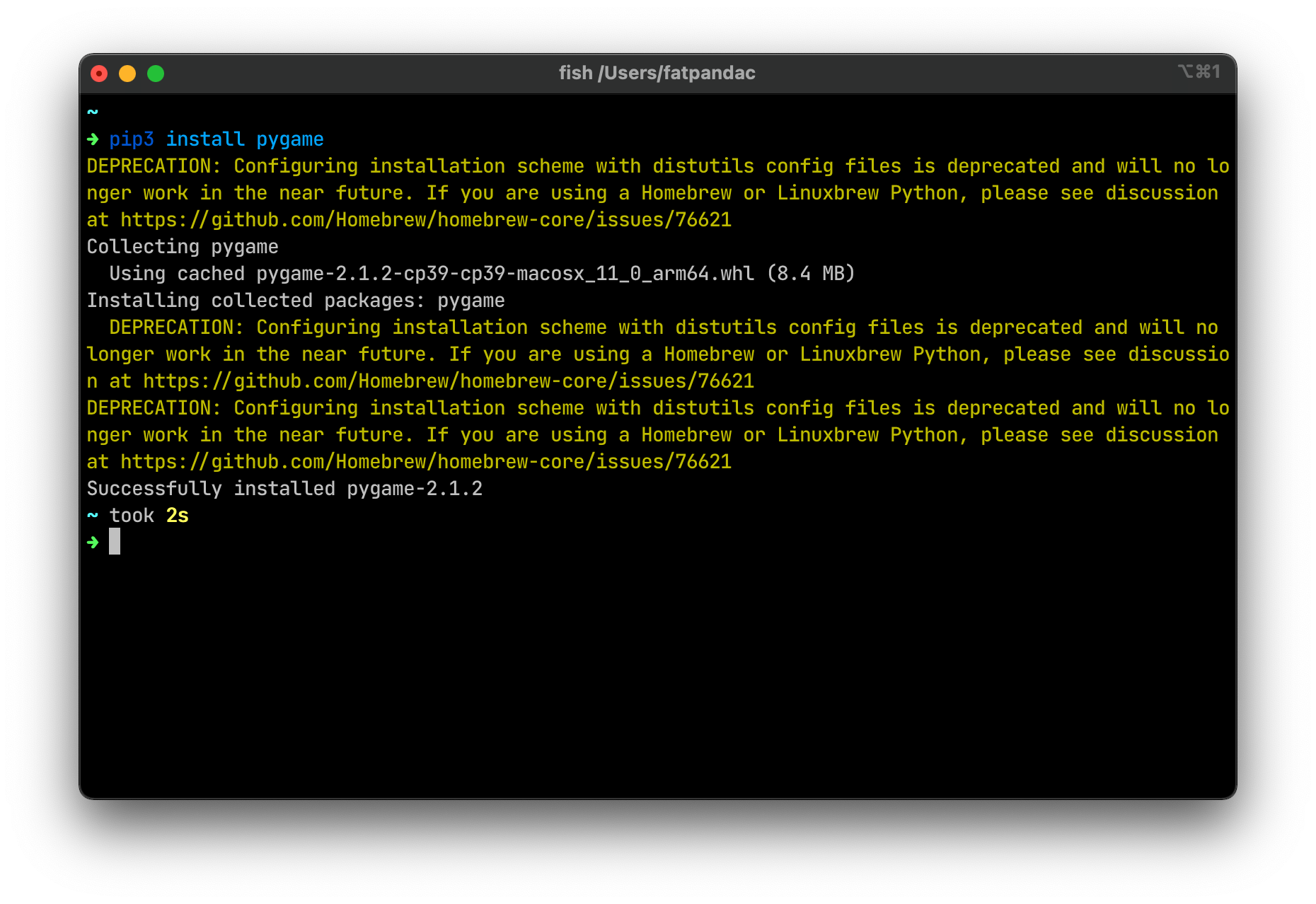
After a quick glance at the suggested issue, I found the following two fix methods:
Continue using Python versions below
3.10, which requires modifying thepipsource code as follows: Code to be removedpythondeprecated( reason=( "Configuring installation scheme with distutils config files " "is deprecated and will no longer work in the near future. If you " "are using a Homebrew or Linuxbrew Python, please see discussion " "at https://github.com/Homebrew/homebrew-core/issues/76621" ), replacement=None, gone_in=None, )You only need to delete the above code from the corresponding local file. This method only suppresses ⛔️ the warning output and does not address the root cause.
Switch the
brewPython version to3.10or above. Assuming you have3.9and3.10locally, other scenarios are similar:shellbrew unlink python@3.9 brew unlink python@3.10 brew link -overwrite python@3.10 # It might prompt you to add the corresponding path to your environment; just follow the instructions fish_add_path /opt/homebrew/opt/python@3.10/binAfter completing the above operations, you can switch 🔄 the default Python version for
brew! Let's try installing ⬇️rich: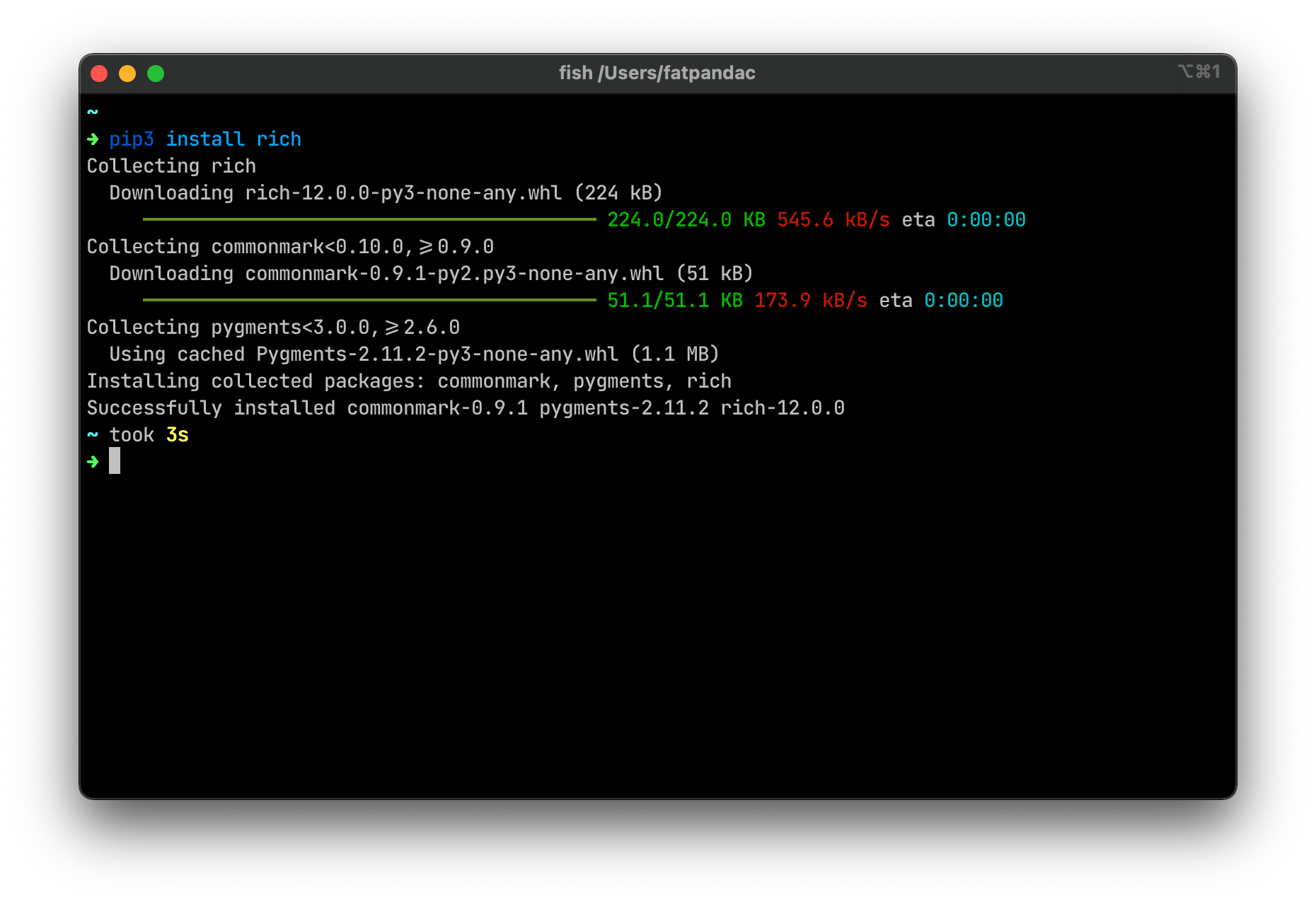 Excellent 👍🏻, no warnings 🛑!