INFO
This article was auto-translated using ChatGPT.
A few days ago, I implemented how to automatically update forked repositories. Now it's time to consider how to synchronize the forked repository code to the deployment repository!!! This is where webhooks come into play. A webhook, as the name suggests, is a hook that triggers when a corresponding action occurs in a repository. It then accesses a specified URL and sends a request.
Based on this mechanism, we can achieve this with just some simple code, or even no code at all.
Write a webhook request API Here we have two ways to achieve this:
- Use your most familiar programming language. Here, I used Python. I used
flaskfor routing andgitpythonfor Git interaction. After some intense development, the final product is as follows:
pythonimport flask from git import Repo import os REPO_PATH = "/home/Fatpandac/RSSHub" YARN_START = f'cd {REPO_PATH} && nohup yarn start > rss.log &' KILL_NODE_PS = "ps aux | grep node | awk '{print $2}' | xargs -I{} kill -9 {}" def up(): os.system(KILL_NODE_PS) repo = Repo(REPO_PATH) repo.git.checkout("master") repo.git.pull() os.system(YARN_START) server = flask.Flask(__name__) @server.route('/sync-rsshub', methods=['POST']) def update(): if flask.request.method == 'POST': up() if __name__ == '__main__': server.run(host='0.0.0.0', port=5000)- Another method is to use existing tools. You can use tools similar to webhook. You only need to write some simple configurations. For details, please refer to the official documentation.
- Use your most familiar programming language. Here, I used Python. I used
Set up the webhook for the corresponding repository Go to the settings page of the repository you need to configure. You'll see a 'Webhooks' option. Click on it, then click 'Add webhook' to see the following interface:
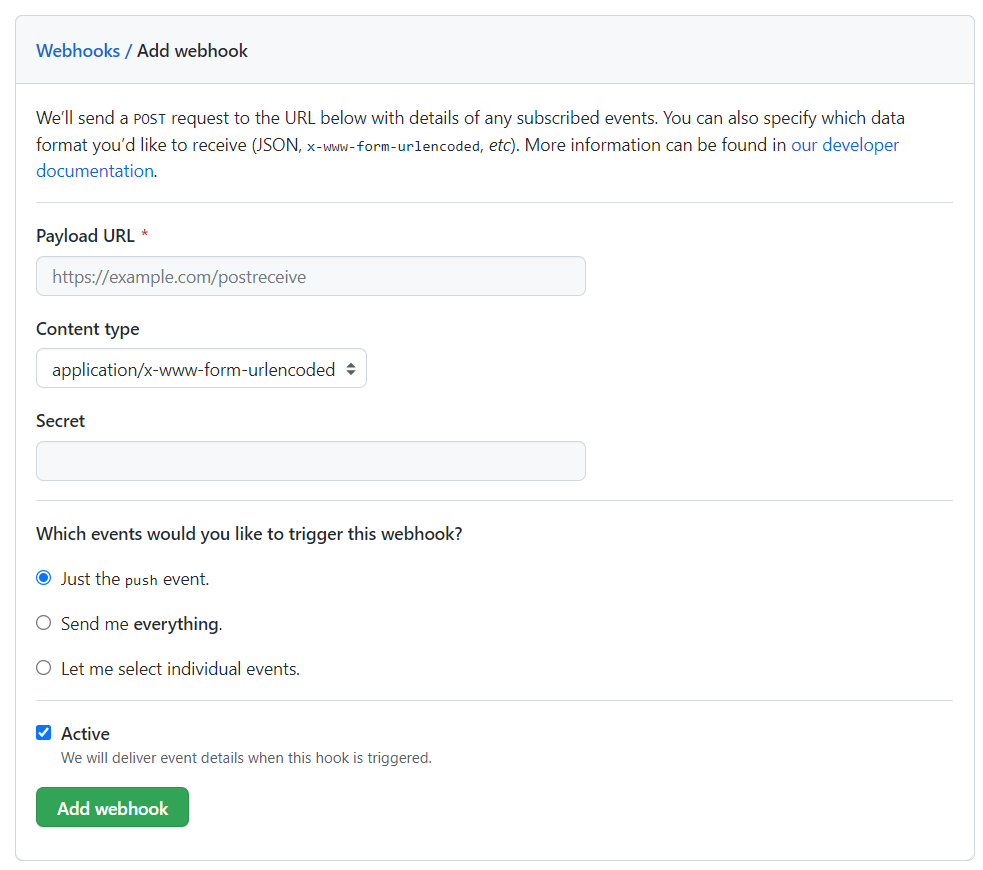
Payload URLfill in the API route address you just set.Content typefill according to your needs; I chose JSON here. Other options can be selected as needed. Then click the greenAdd webhookbutton. The first time you add it, a request will be sent to the API address.
How to Test
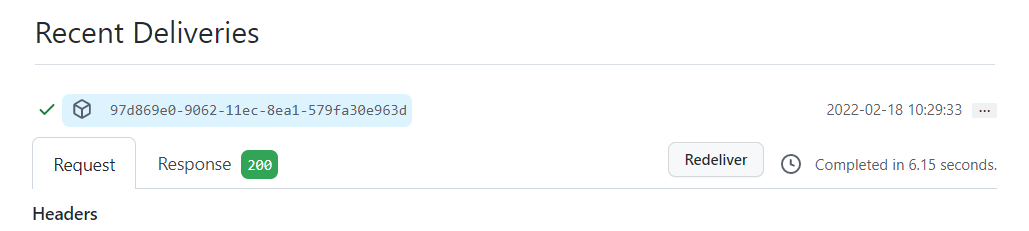
If you need to test the automation later, go to the corresponding webhook page, find the content below, and click Redeliver.